Capture in the field.
Keep the route record connected.
Plan your route, capture field conditions, and produce survey reports with RouteSurvey App’s mobile app and Web Console.
Plan before you head into the field
Professional includes route planning in the app, with transport and cargo configuration to prepare for field work.
- Plan routes in the app
- Configure transport and cargo details
- Keep route planning and field surveying in one workflow
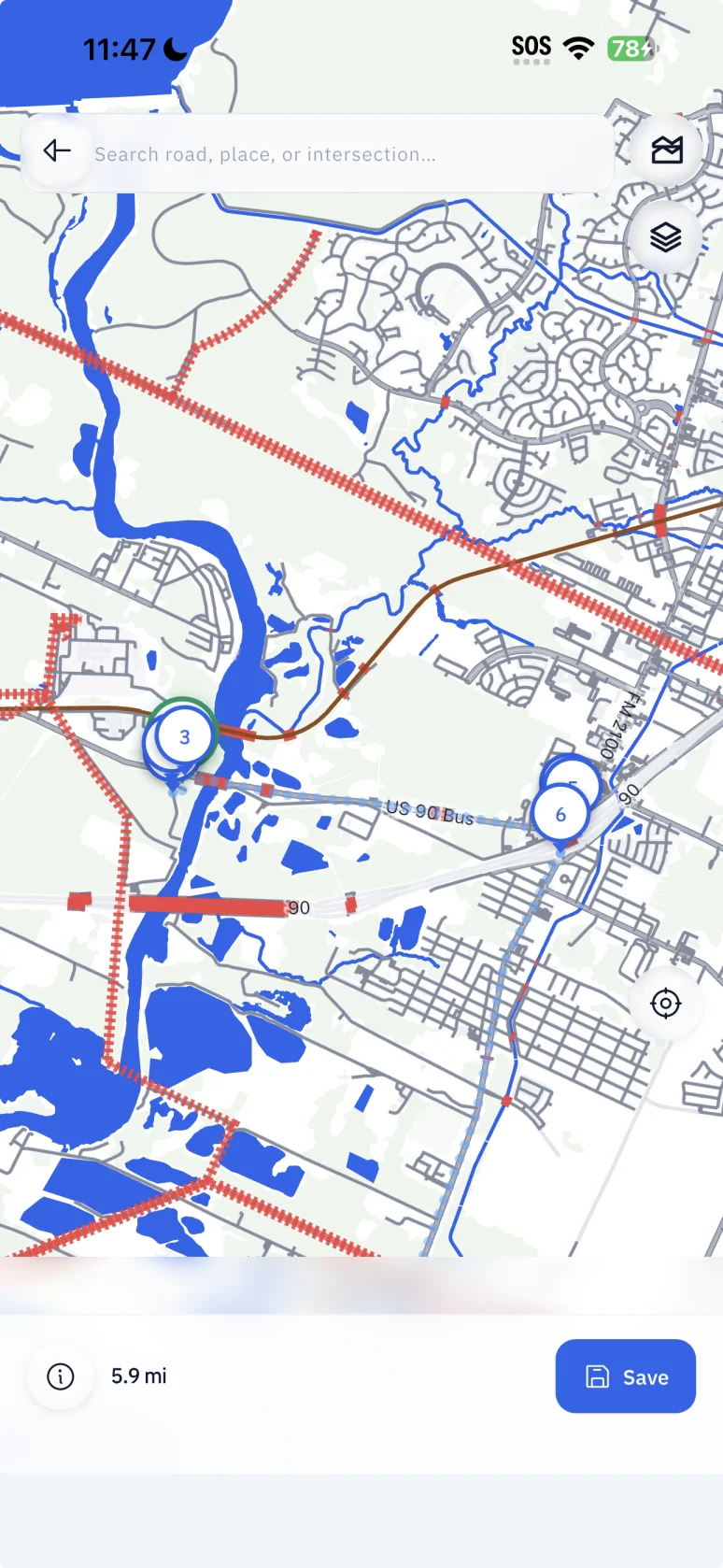
Capture the details that matter
Record route conditions where you find them. Keep locations, measurements, notes and photos together, even when coverage is unreliable.
- Record your route with GPS
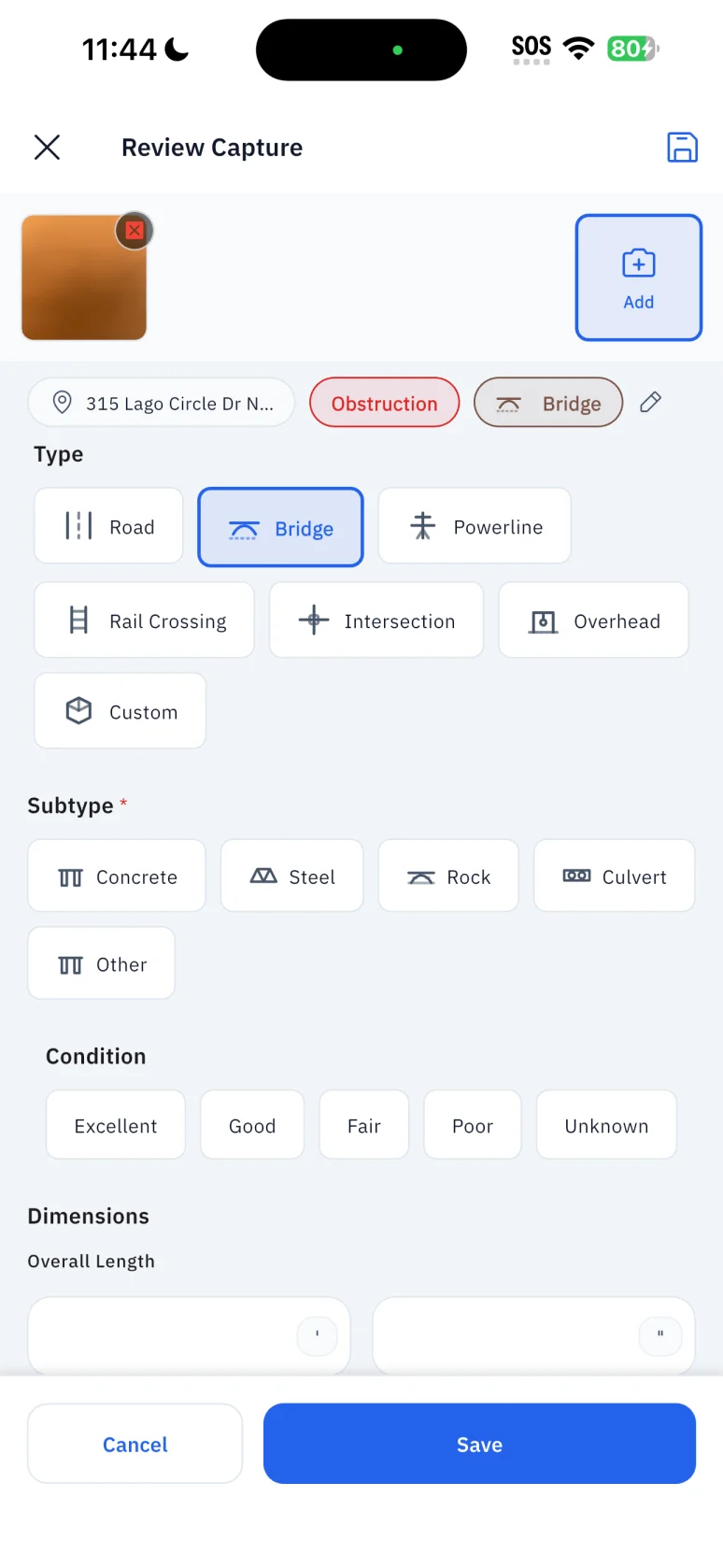
- Document bridges, powerlines, tunnels and other route constraints
- Attach measurements, field notes and GPS-tagged photos
- Work offline and sync when connectivity returns
Planned: Permit Review Workspace
The roadmap includes tools for organizing jurisdiction-specific permit considerations, escort questions, travel restrictions, and supporting evidence. RouteSurvey App does not currently determine permit requirements.
Planned: Transport Scenario Evaluation
Transport and cargo configuration is available in Professional. The roadmap includes transport-envelope calculations, risk scoring, and feasibility classifications. These calculations are not currently available in early access.
Turn survey records into deliverables
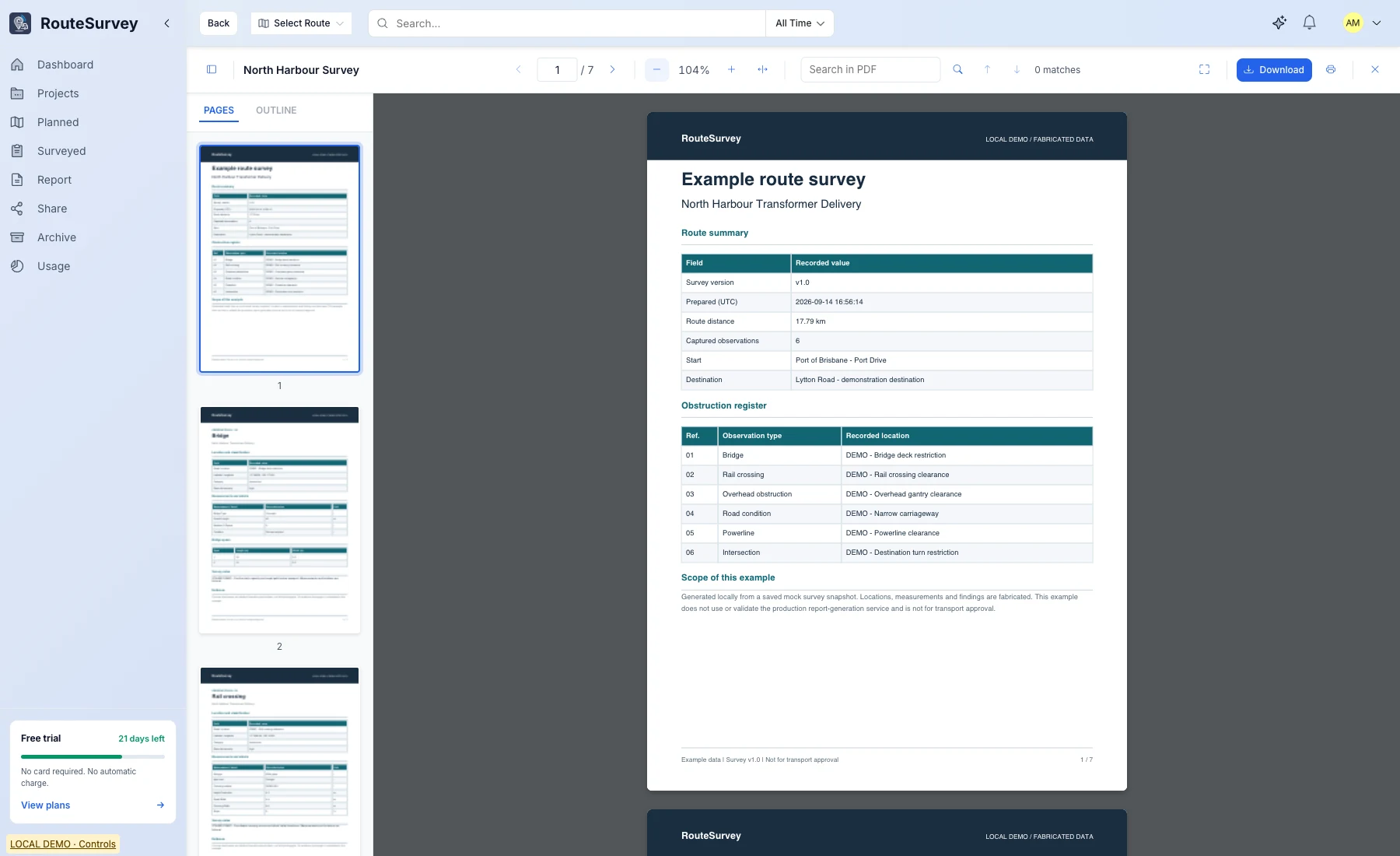
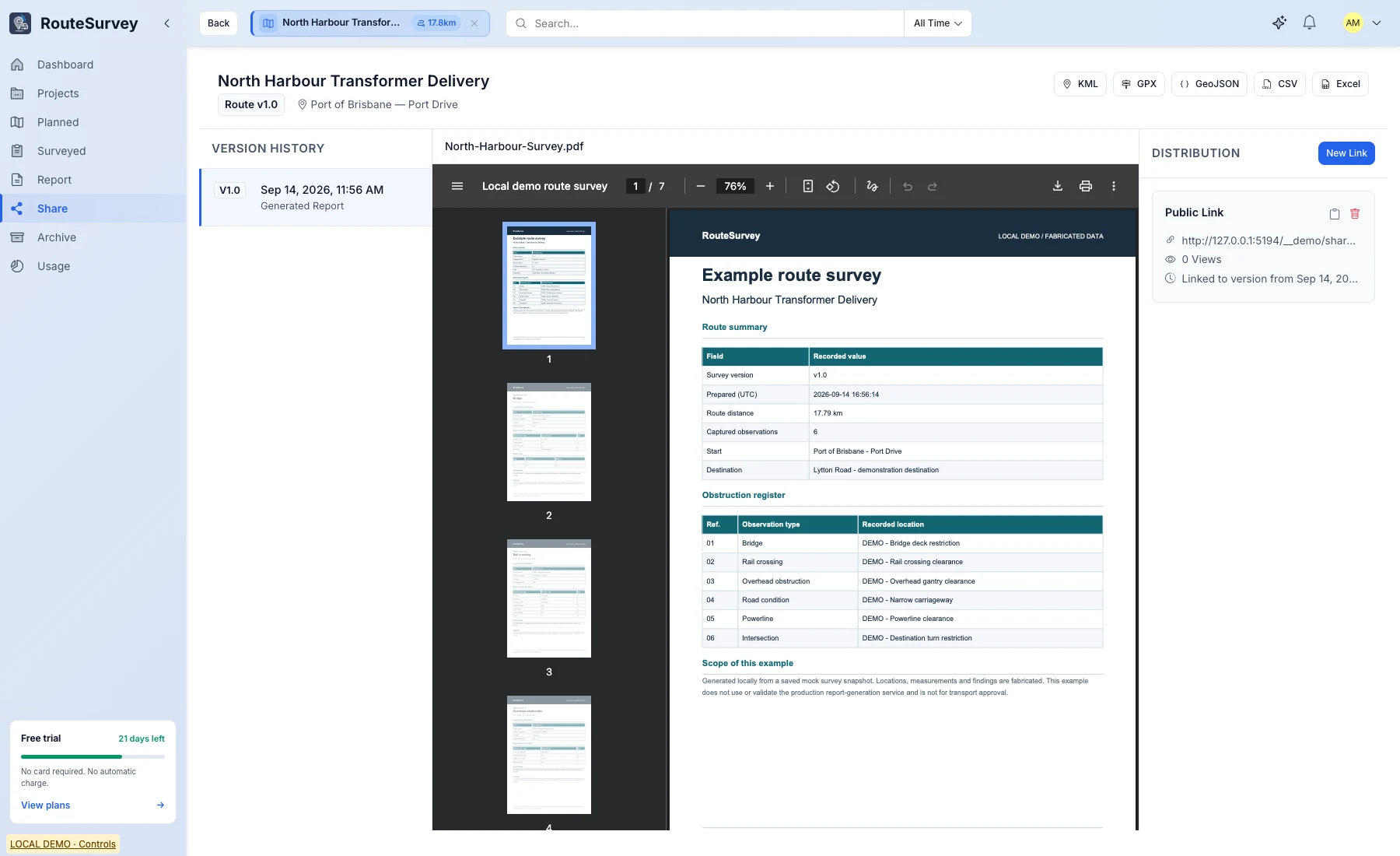
Export survey information for clients and project teams. Both plans include standard PDF reports; Professional adds custom report templates.
- Export PDF reports, CSV data and KML routes
- Tailor report layouts with Professional’s custom templates
- Retain version history as survey work evolves
Version History Now; Portfolio Tools Planned
Version history is available in early access. Broader portfolio management, team roles, lifecycle enforcement, and audit administration are planned.
Keep your survey work connected
Both Field and Professional include Web Console access. Work with your survey records in the browser alongside the mobile app.
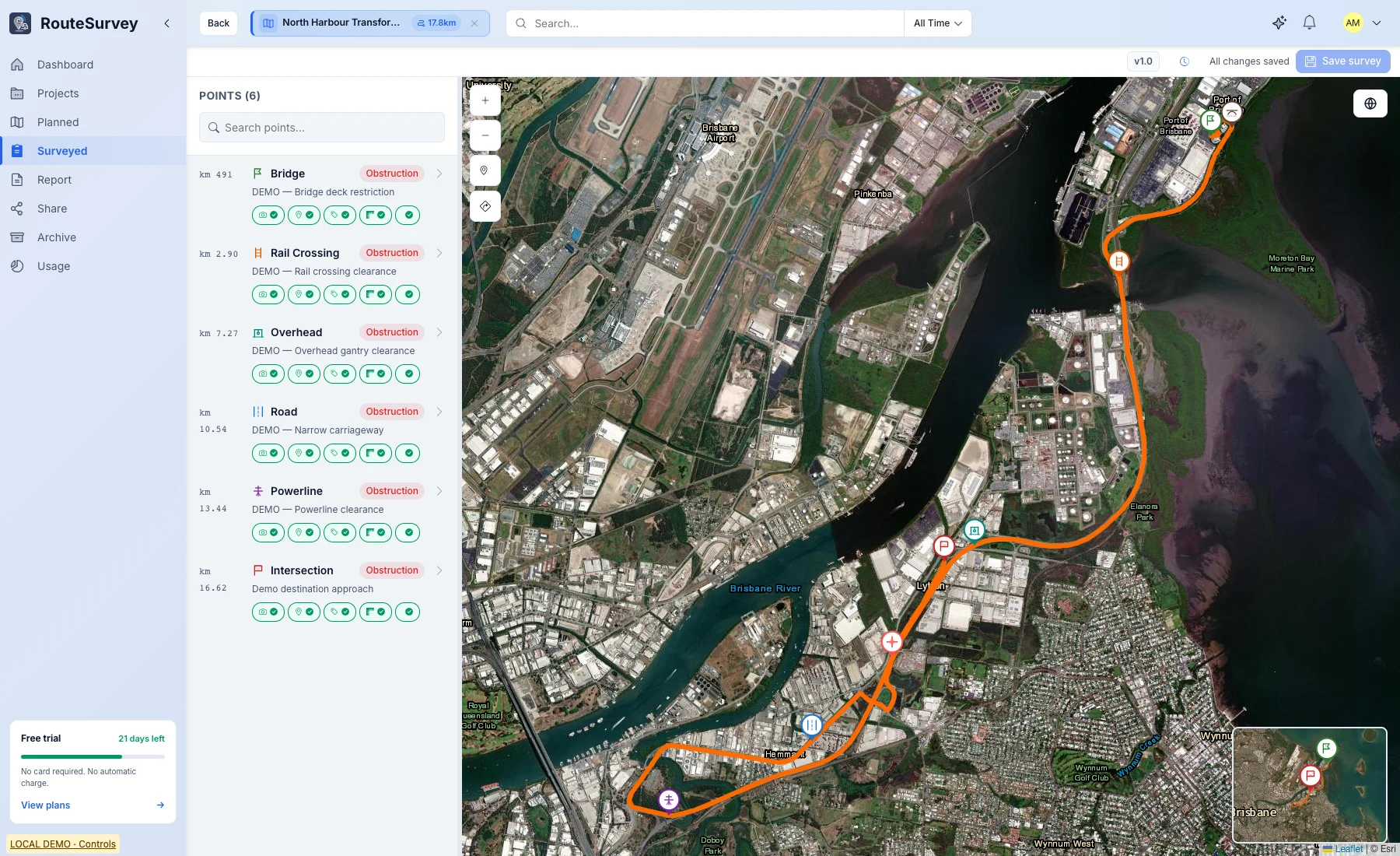
From field records to shared reports
Access the Web Console and export standard PDF reports to send to clients and colleagues.
ProfessionalShare through controlled links
Use Share Center to give project stakeholders access to route-survey information through access-controlled links.
Explore RouteSurvey App for your work
Arrange a demo to explore the workflow, or join the waitlist for release notification.
Release notification · Optional newsletter · Unsubscribe anytime